
What Retrail Is
Retrail is a one-page portfolio for developers and creators. You describe the page in settings.json, and Retrail turns it into a site with your projects, skills, career, stats, testimonials and contact links.
There is no database, no admin panel and no account to sign in to. The page is one file on your server.
How It Works
- One file. The theme, your details and every block live in
settings.json. - No rebuild. Retrail reads the file on every request, so a saved change shows up on the next refresh.
- Private. The file is read on the server and is never sent to visitors.
A block looks like this:
{
  "type": "hero",
  "enabled": true,
  "name": "Example Name",
  "headline": "Example Title & Profession",
  "bio": "Short personal bio or mission statement.",
  "avatarPosition": "left",
  "statusText": "Available for projects",
  "statusColor": "neon-green",
  "statusEnabled": true
}
The Blocks
Retrail has 12 blocks. Add them in any order and use any of them more than once:
- Hero: your name, headline, avatar, status and buttons.
- Projects: a grid or list of your work, with tags, images and stats.
- Skills: what you work with, grouped how you like.
- Experience: your career as a timeline.
- Stats: numbers with icons.
- Testimonials: quotes from people you have worked with.
- Contact and Socials: how to reach you.
- Section, Separator, Image and Text for everything else.
Every block, project, skill and link has an enabled switch, so you can hide something without deleting it.
The Look
- Light and dark mode, with a true black dark theme and a toggle for visitors.
- Any Mantine color as the accent, plus four neon colors: cyan, green, purple and pink.
- Your avatar to the left, right or top of your name.
- Lucide icons for stats and links, and brand icons for Discord, GitHub, X, LinkedIn and more.
- A layout that works on phones.
The full reference is in the Page Builder docs.
What You Need
- A host that runs Node.js 20.9 or newer.
- The
retrail.zipfrom your BuiltByBit download. - A domain, if you want your portfolio public.
It runs on a Pterodactyl game panel, a Linux VPS, Docker or your own computer. The setup guide covers each one.
Get Started with Retrail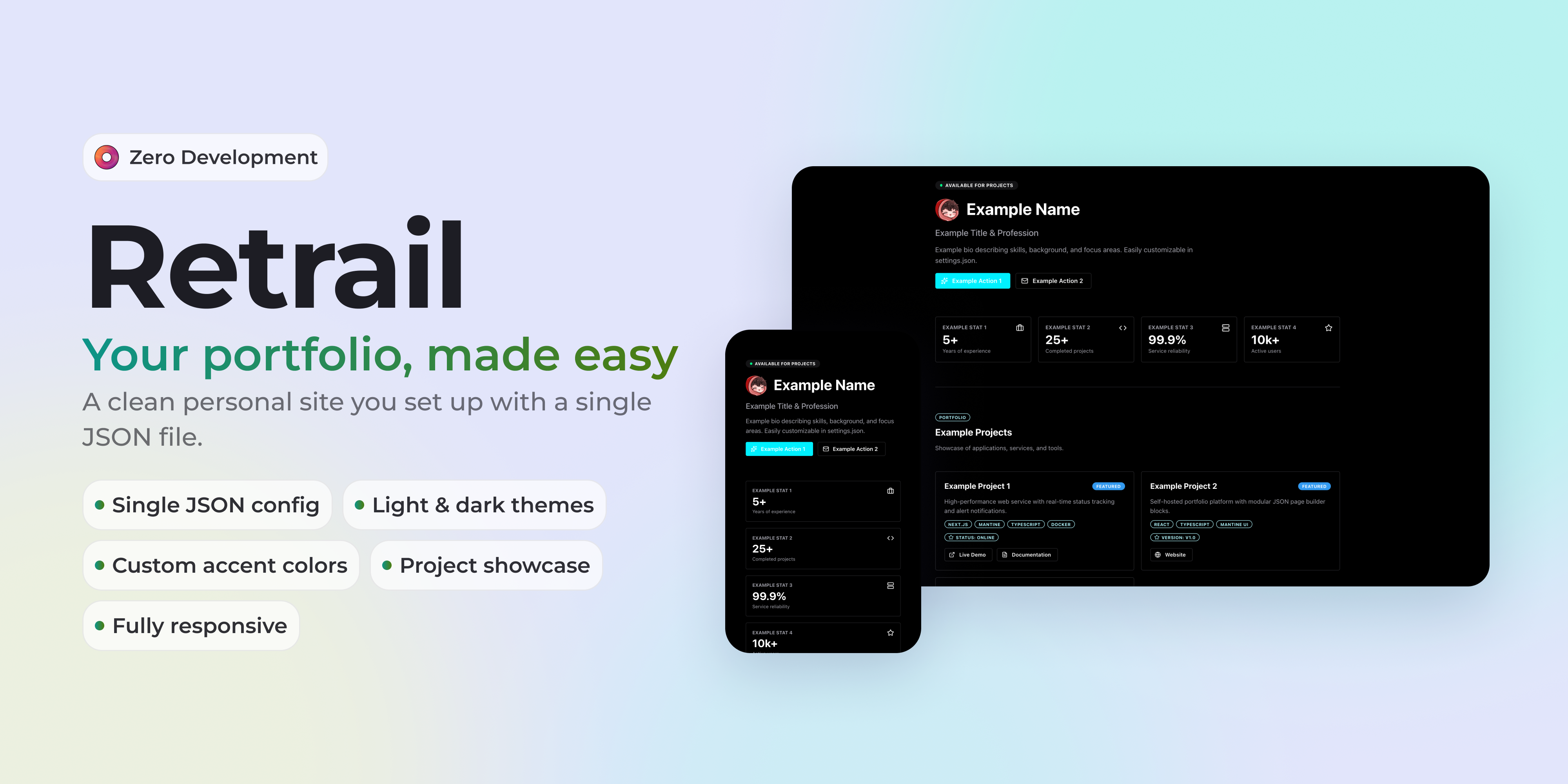 View ResourceView ResourceView Resource
Retrail on BuiltByBitWebsite
Buy Retrail and download the package.Retrail Setup GuideDocs
Install Retrail and put it online.Page BuilderDocs
Every block and its options.