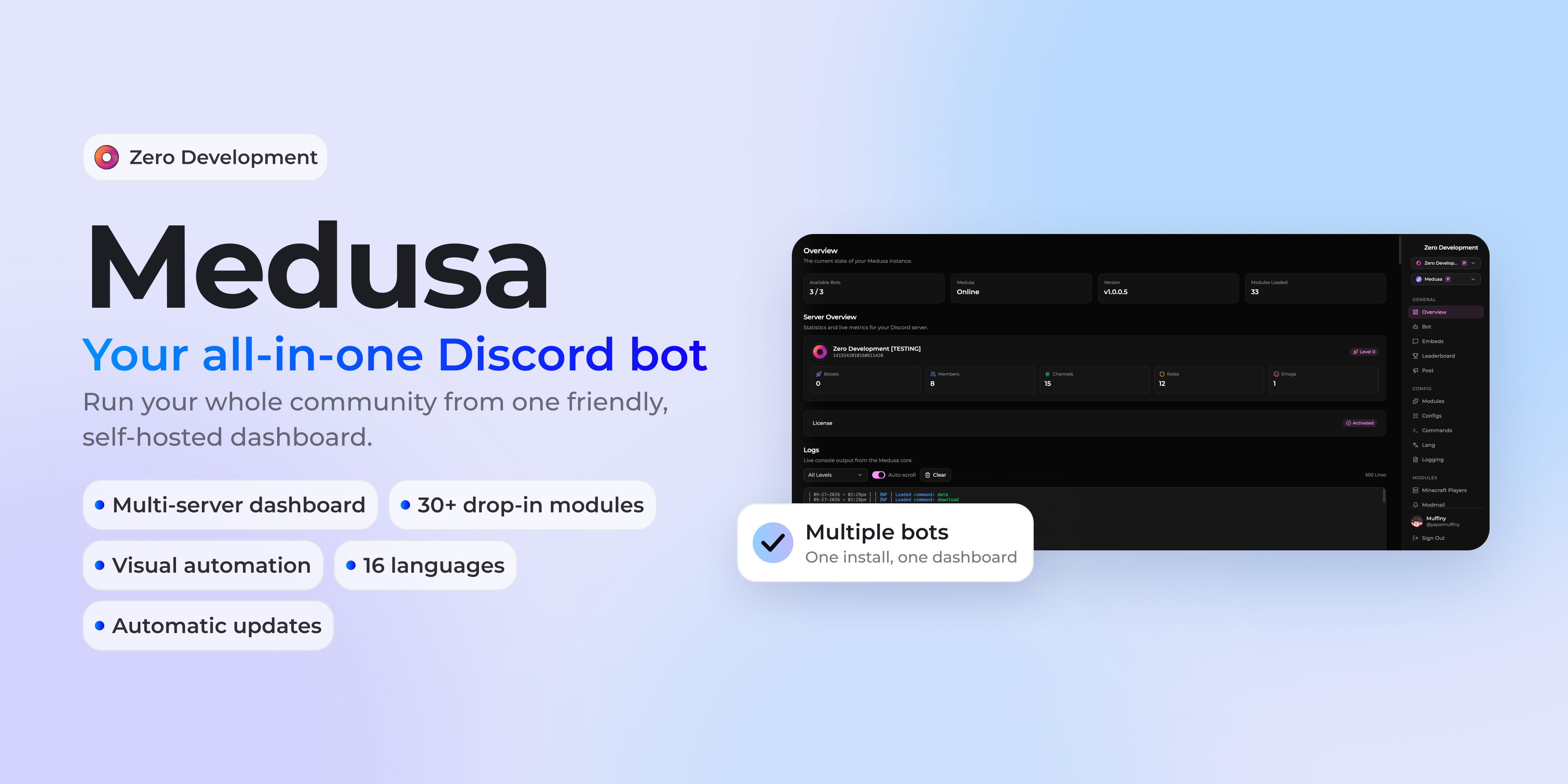
What Medusa Is
Medusa is a Discord bot you run on your own server. It replaces the handful of bots most communities end up with, one for moderation, one for tickets, one for levels and so on, with a single bot that carries your name and avatar.
You set it up from a web dashboard instead of config files. The dashboard runs inside Medusa, so there is no second app to host.
What It Does
Medusa is built from modules. Each one adds commands, settings, messages and, where it makes sense, its own dashboard pages. Turn off the ones you do not need.
Moderation and Safety
- Moderation: bans, kicks, timeouts and warnings with numbered cases, automod, warning escalation, staff notes and server logs.
- Security: member verification, an account age gate, anti-raid lockdowns and ghost ping detection.
- Anti-Nuke: stops a compromised admin account from wiping your server, and puts back what it deleted.
- Anti-Scam: removes fake giveaways, phishing links and image scam posts, and runs honeypot channels.
- Appeals and Backups round it out.
Members and Access
- Tickets: private support tickets from panels, with claiming, priorities, inactivity closing and transcripts.
- Management: welcome and leave cards, boost messages, autorole with sticky roles and reaction roles.
- Applications, Modmail, Invites and Join to Create voice channels.
Community and Fun
- Leveling: XP from messages and voice, rank cards, multipliers and role rewards.
- Engagement: chat games that start when a busy channel goes quiet, plus daily posts and reputation.
- Games, Giveaways, Suggestions, Starboard, Birthdays, Counting and Snake.
Audio, Media and Utilities
- Music with a live player and a dashboard controller, and TTS.
- Alerts for Twitch, YouTube, Kick, TikTok and Instagram.
- Utility for reminders, polls, sticky messages and stat counters, and Tags for saved replies.
The full list, with every setting and command, is in the module docs.
The Dashboard
The dashboard is where you run Medusa day to day. Sign in with Discord, and you get:
- Configs for every module, with real channel, role, emoji and color pickers.
- Commands to rename commands, turn them off or add a text prefix.
- Lang to edit any message or embed, in any of the 16 languages.
- Embeds to build a message and send it to a channel.
- Logs with the live console, and Audit for who changed what and when.
- Permissions for ranks, their roles and what they unlock.
Modules add their own pages too, such as Moderation Cases, Tickets and the Music Player.
Ranks and Permissions
Medusa's ranks decide who can use which commands and which dashboard pages. A support rank can see Tickets without seeing Settings. The license owner always has full access, and every change made on the dashboard shows up in the audit log.
More Than One Bot
One Medusa install can run several Discord bots. The bot from setup runs Core and anything you have not given to another bot. You could run tickets on one bot and games on another, each with its own name and avatar. Add a bot from the Bot page and pick the modules it runs.
Paid Modules
Five modules are sold separately:
- Automation: build your own commands and workflows from blocks on a canvas.
- Economy: a server currency with wallets, banks, jobs, a daily streak and a shop.
- Minecraft: chat bridge, account linking, server status, RCON and rank sync.
- Emoji Locker: limit custom emojis to the roles you choose.
- Product Panel: panels that let members download your products, gated by role.
There are also two paid extras: hosted Lavalink for the Music module, and removing Medusa's name from embed footers.
Writing Your Own Modules
Modules are folders with a manifest, and Medusa loads them at startup. The developer documentation covers commands, events, configs, lang files, dashboard pages and the rest, so you can add your own features without touching Medusa's core.
What You Need
- A host that runs Node.js 22 or newer, or Bun.
- A PostgreSQL, MySQL or MariaDB database.
- A Discord application with a bot.
- Your Medusa license key from the Zero Development Discord.
The first start opens a setup wizard in your browser. It asks for your license key, database and bot token, then brings everything online without a restart.